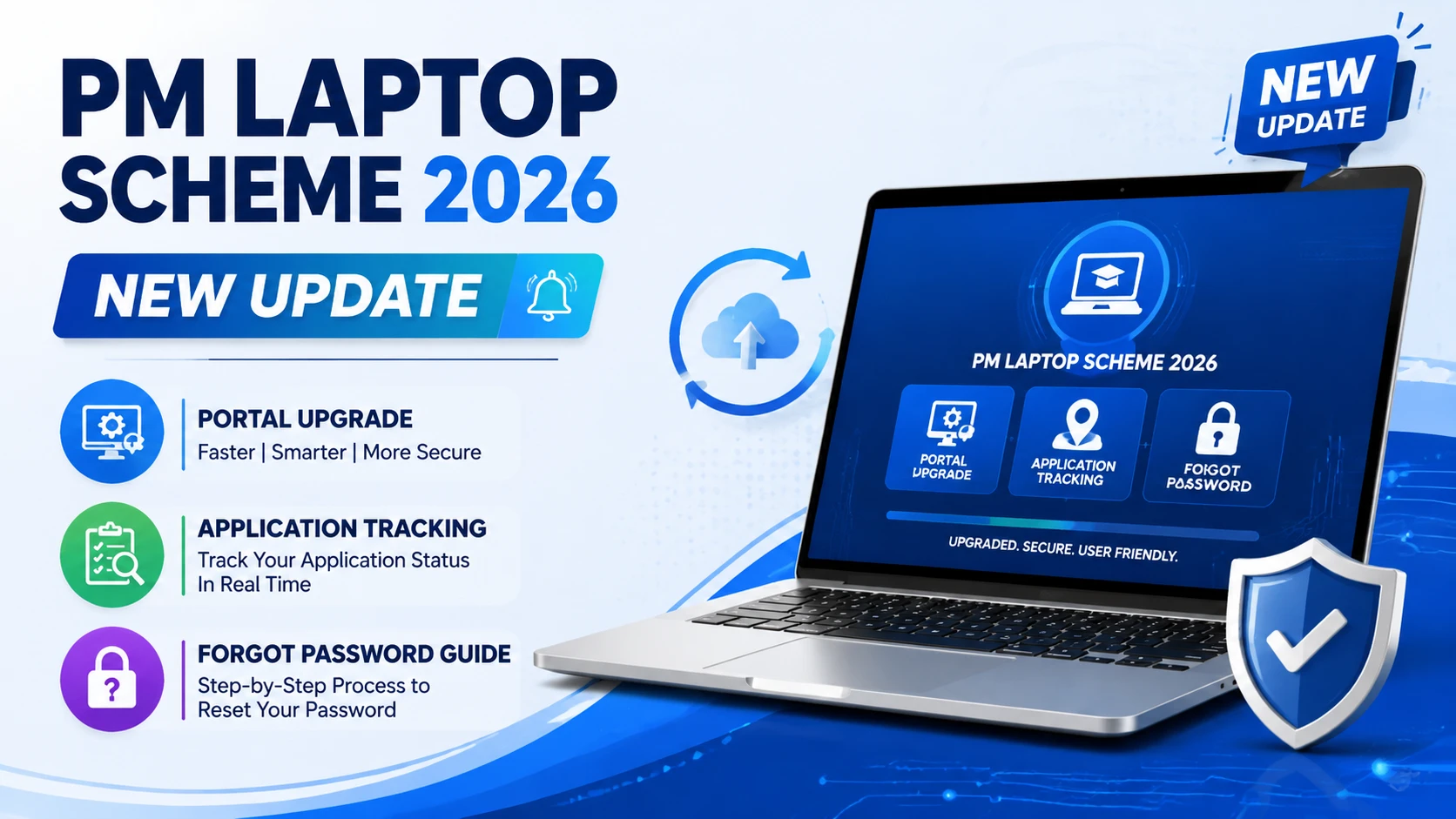
PM Laptop Scheme 2026 New Update | Portal Upgrade | Application Tracking & Forgot Password Guide
The Prime Minister Youth Laptop Scheme Phase Four has recently undergone a significant portal upgrade. This comprehensive guide addresses the most frequently asked questions from applicants regarding the new platform features, application status tracking, and account management procedures. The updated portal now provides enhanced functionality, allowing students to easily check their profiles, edit information, and track the distribution status of their laptops.
How to Check Application Status Updates
Many applicants have reported confusion regarding inconsistent status displays on the portal. It is important to understand that the portal is continuously evolving, and status updates may vary across different universities and departments. Some institutions’ data appears immediately on the platform, while others may take additional time to be reflected.
If your application status shows “Accepted for Merit List,” you are guaranteed to receive a laptop according to the official scheme guidelines. There is no reason for concern even if your status has not yet changed to “Asset Issued.” Once your university initiates the laptop distribution ceremony, your application status will automatically update to “Asset Issued.” This change will include the official laptop distribution date, asset name and serial number, laptop specifications and company details, and assignment confirmation. You do not need to take any manual action for this status transition.
Account Creation and Login Process
If you have previously applied for the Prime Minister Laptop Scheme or submitted an application form in earlier phases, you do not need to create a new account. Simply follow these steps to access your account using the forgot password feature.
Click on the “Forgot Password” option on the portal homepage and enter your national identification number. Select your preferred method for OTP verification, with email being the recommended option. Enter your email address and click “Send OTP Code.” Check your email for the OTP verification code, enter it to verify your identity, and create a new password for your account. Return to the login page and sign in with your credentials to access your personalized dashboard.
Dashboard Navigation Guide
Upon successful login, your dashboard will display a welcome message with your name, application closing date information, personal profile details, current application status, and merit list status if applicable. The dashboard provides comprehensive access to all your application information and personal records.
To access and edit your profile, click on the “Profile” section in the dashboard and select “My Profile” option. You can view and update your information including your current address, CNIC number, mobile number, and email address. To review your application details, click on “My Application” in the left navigation menu to view all previous applications submitted for the scheme and click the “Action” button to view detailed information including personal details, application status, merit list status, and academic credentials.
The “Asset Issue” section displays complete information for students who have already received their laptops, including asset name, laptop serial number, equipment type, company details, assignment date, and receiving confirmation. This section is particularly useful for verifying that your laptop distribution was officially recorded in the system.
Status Checking Methods
You can check your application status using two convenient methods. For the direct status check method, click on “Status Check” from the main menu, enter your university name, and your current application status will be displayed instantly. Alternatively, you can access your complete application history and current status through your personalized dashboard after logging in. Both methods provide the same information but offer different levels of detail.
University Distribution Updates
Laptops have been successfully distributed to numerous universities across Pakistan, including Government College University Hyderabad, Sindh University Dadu Campus, Allama Iqbal Open University, and multiple universities in Karachi and other regions. Approximately 40-50% of eligible universities have received their laptop allocations, with additional distributions happening regularly.
Some universities may not have publicly announced their distribution ceremonies due to privacy concerns or pending approval from the Higher Education Commission. If your university has not yet initiated the distribution ceremony, visit the official Prime Minister Laptop Scheme Facebook page and request updates through comments. Community pressure helps expedite the process at individual institutions and encourages faster distribution timelines.
Required Documents Checklist
Before attending your laptop distribution ceremony, ensure you have prepared all necessary documentation. Essential documents include your student ID card (original and copy), national identity card or CNIC (original and photocopy), passport or B-Form if CNIC is not available, matric certificate with marks sheet, intermediate certificate with marks sheet, and university marks sheet for the academic year on which your application was based.
Additionally, prepare your domicile certificate (original and copy), father’s CNIC photocopy, and recent passport-sized photographs. It is crucial to have the university marks sheet specifically from the academic year on which you submitted your application. For example, if you applied during your third year based on second-year credentials, ensure you have your second-year marks sheet available for verification.
Important Clarification About Ongoing Performance
Your laptop distribution will not be affected by your current semester performance. The scheme assessment is based solely on your academic credentials from the year you applied. Even if you fail or drop a course in your current semester, your laptop distribution will proceed without any complications, provided no fraudulent information was submitted in your original application.
The only scenario where issues might arise is if there was deliberate manipulation of marks or fraudulent data submission during your initial application. Otherwise, all subsequent academic changes do not impact your eligibility or distribution schedule.
Frequently Asked Questions
Portal updates are ongoing, and data for all departments and universities continues to be synchronized. If your institution’s information is not visible immediately, check back after a few days as the system updates regularly. Previous applicants should use the “Forgot Password” feature to access their existing accounts rather than creating duplicate accounts, as the system does not allow multiple registrations for the same individual.
If your department’s data is not appearing on the portal, this is likely due to ongoing synchronization processes. Universities are being added to the system progressively, and your institution will appear once all data has been properly verified and uploaded by the relevant authorities.
Conclusion
The upgraded Prime Minister Laptop Scheme portal provides a user-friendly interface for tracking applications and managing student profiles. By following this comprehensive guide, you can easily navigate the platform, check your application status, update personal information, and prepare for the laptop distribution ceremony at your institution. For any additional queries, please utilize the official portal or contact your university’s laptop scheme coordinator. The official portal link is provided in the video description for your reference.